
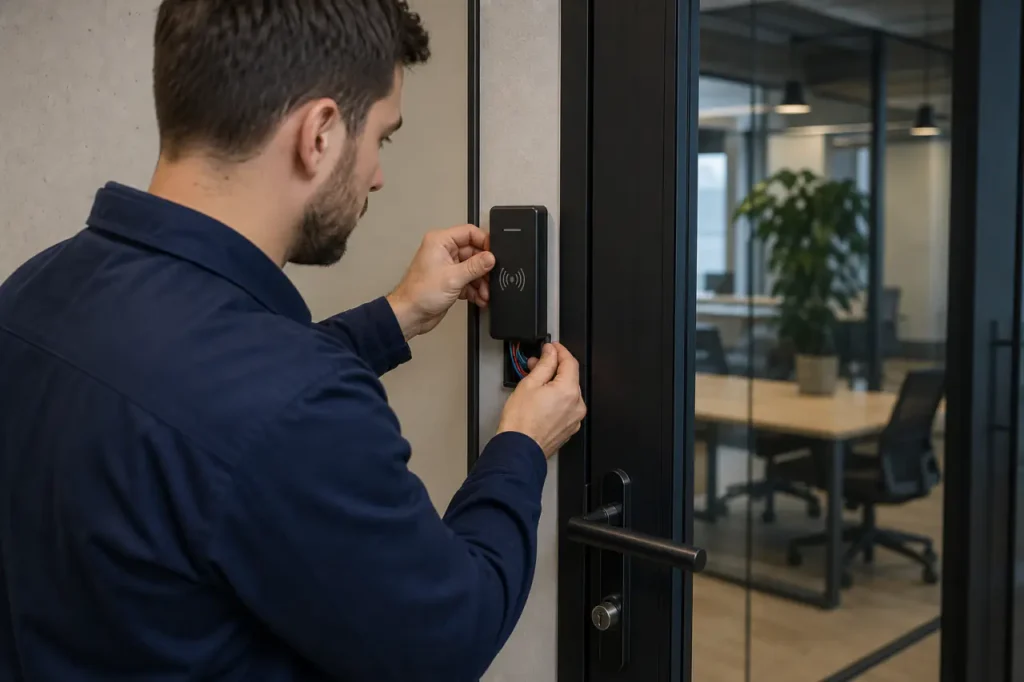
Securing a commercial perimeter with RFID access control is rarely a plug-and-play decision. Facilities teams must coordinate readers, credentials, controllers, and management software-all while ensuring legacy infrastructure compatibility.
Before you request a single quote, pin down your frequency band, credential encryption level, and integration protocol. Skipping this clarity leads to expensive rework.
- Frequency band: Will you use LF (125 kHz), HF (13.56 MHz), or UHF?
- Encryption level: Does your credential require mutual authentication (MIFARE DESFire)?
- Integration protocol: Will the system use OSDP, Wiegand, or a REST API?
Technical Architecture of Enterprise RFID Systems
Unlike consumer all-in-one locks, enterprise access systems distribute functions across four physical layers. This separation prevents a tampered reader from compromising the entire door-a security design every B2B specification should insist on.
- Credentials (Tags/Cards) – The identifier each user carries. It can be a simple 125 kHz proximity card or an encrypted MIFARE DESFire smart card. Gove’s key card access systems offer programmable credentials that resist cloning and integrate with a central access control server.
- Readers – The edge hardware capturing credential data. Modern readers support both legacy Wiegand protocol and the more secure OSDP standard. For door-mounted solutions, RFID smart locks combine reader and lock in one rugged unit, reducing installation complexity.
- Door Controllers – The decision-making hardware, typically located in a secure IT closet. A standalone door controller stores access rules, makes local decisions, and caches events for offline operation. This is the layer where most security policies are enforced.
- Access Control Server (On-Premises or Cloud) – The central platform managing the global access policy, user database, and audit trail. It pushes configuration updates to controllers, collects event logs, and enables VMS integration for video-verified access events.
Understanding this layered model is the first step to writing an accurate door schedule. It also stops you from comparing quotes that bundle different architectures-like a controller-less reader versus a full distributed system-as if they were equal.
RFID Frequency and Technology Comparison Guide
Frequency choice shapes read range, transaction speed, and security. Low-frequency (125 kHz) tags are cheap but lack encryption. High-frequency (13.56 MHz) tags carry MIFARE DESFire or NFC credentials suitable for most enterprises. UHF delivers long-range reading but demands more careful deployment.
| Frequency | Read Speed | Security/Encryption | Typical Commercial Use |
|---|---|---|---|
| LF (125 kHz) | Slow | None – easily cloned | Legacy proximity cards, basic interior doors |
| HF / NFC (13.56 MHz) | Medium | High – MIFARE DESFire EV2, AES | Office buildings, secure data centers, multi-tenant access |
| UHF (860-960 MHz) | Fast | Medium – secure protocols available | Vehicle gate entry, forklift tracking, hands-free passage |
A transition from legacy 125 kHz to 13.56 MHz is common now. The higher frequency supports encrypted communication and mutual authentication, which eliminates the card cloning risk that plagues LF systems.
- Specify multi-technology readers that accept both 125 kHz and 13.56 MHz credentials.
- Issue new encrypted cards gradually, allowing a phased migration.
- Once the user base has shifted, disable 125 kHz on the readers to close the security gap.
When purchasing new hardware, insist on OSDP-compliant readers to protect against wire-sniffing attacks.
Active vs. Passive RFID Credentials Breakdown
Most door-mounted readers use passive tags-they have no battery and are energized by the reader’s field. Active tags, with their own power source, are used for automatic vehicle identification or long-range personnel tracking. The decision changes your per-user cost and maintenance overhead.
| Attribute | Passive RFID | Active RFID |
|---|---|---|
| Power Source | Reader-induced | Internal battery |
| Cost per Unit | $0.50-$5 | $10-$50+ |
| Lifespan | 10+ years (no wear) | 3-5 years (battery dependent) |
| Read Range | Up to 1 m (HF), several meters (UHF passive) | Up to 100 meters |
| Optimal Application | Office doors, turnstiles, lockers | Vehicle gates, hospital staff location, asset tracking |
Active tags require a maintenance schedule for battery replacement, which adds lifecycle cost. When opting for active tags, consider the following:
- For interior doors and turnstiles, passive credentials are almost always sufficient.
- Long-range applications like gated communities benefit from active tags mounted on vehicles.
- Factor the ongoing battery swap cost into the total cost of ownership.
Commercial System Integration Capabilities
An RFID access control system rarely stands alone. It must connect to video, fire alarm, and HR platforms to justify the investment. Modern controllers use standard protocols and APIs to make those integrations practical.
CCTV and Video Management System (VMS) Integration
Link access events with video footage for forensic review. When a door is forced, the VMS can automatically bookmark the camera feed, enabling rapid investigations. This integration helps security teams correlate access logs with visual evidence.
Fire Alarm and Emergency Unlock
Upon fire signal, the controller must automatically unlock configured doors to meet life safety codes. Verify the dry-contact input on the controller supports immediate unlock without server intervention. Compliance with NFPA and local fire codes is mandatory.
HR and Facility Management Integration
Onboarding and offboarding staff can be automated via API, removing manual card programming and eliminating orphaned credentials. Occupancy data from access events can also feed HVAC and lighting zones, reducing energy waste.
PoE Access Control for RFID Systems
Power over Ethernet simplifies cabling, reduces installation cost, and provides centralized power backup. One cable carries both data and power to each opening, making it ideal for networked access control deployments.
For truly scalable access control solutions, ensure the server software exposes a well-documented REST API. This lets you build custom integrations with tenant management portals, elevators, or visitor pre-registration platforms-without being locked to a single vendor’s ecosystem.
B2B Purchasing & Selection Criteria (What to Look For)
When comparing quotes, look past the sticker price. A system that fails to block credential cloning or cannot run offline during a network outage will cost more in the long run.
Core Security Requirements
Verify these points before final selection:
- OSDP instead of Wiegand – Wiegand protocol sends data one-way, unencrypted. OSDP standard provides bidirectional encrypted communication, reader tamper detection, and remote configuration. Specify OSDP-compliant readers and controllers to guard against wire-sniffing attacks.
- Offline access caching – The door controller must store a local copy of access rules. If the server goes down, doors should continue to function, and events are queued for later upload. Test this failover during a site trial.
- Anti-tamper detection – Readers should alert the access control server if someone attempts to remove the housing, cut the cable, or bypass the hardware. Look for magnetic contact sensors and environmental hardening.
- Credential security – Use MIFARE DESFire EV2 or EV3 cards with mutual authentication. Avoid simple proximity cards that transmit a static ID; they are trivially cloned.
- Anti-passback enforcement – The system should prevent a credential from being used twice in the same direction without a proper exit event, stopping tailgating and buddy punching. This requires linking in/out readers.
- Ruggedized hardware for outdoor gates – For perimeter access, choose commercial access control locks and readers rated for IP65 or higher, with wide operating temperature ranges.
- Scalable architecture – Confirm the server software can manage thousands of doors and users without expensive license tiers. Edge-based controllers that process decisions locally reduce server load as you add locations.
Pre-Deployment Validation
A quick field test with a sample reader and a few credential types will reveal whether the system behaves as expected under real conditions-before you commit to a bulk roll-out. Run these checks:
- Test a sample reader with multiple credential types (active, passive, multi-frequency).
- Verify anti-tamper alerts trigger correctly when the reader housing is tampered.
- Confirm offline caching works by disconnecting the controller from the network and attempting entry.
- Validate OSDP encryption handshake between reader and controller.
- Check anti-passback rules with in/out readers to ensure tailgating is blocked.
Industry Applications & Deployment Scenarios
How you deploy RFID access control changes with the environment. The same frequency table solves different problems when you are securing a 30-floor office tower versus a single vehicle gate.
Offices and Commercial Real Estate
Tenants expect frictionless, high-security entry. HF (13.56 MHz) credentials-MIFARE cards or mobile NFC-deliver fast reads and strong encryption. Integration with elevator destination dispatch and visitor management systems is standard. Multi-technology readers help manage tenant transitions without replacing every card.
Gated Communities and Vehicle Gates
Long read range is critical for vehicles. UHF passive or active tags mounted on windshields let residents open gates without stopping.
A standalone door controller at the gate can operate independently and sync with a community management server via cellular backup. Anti-passback rules prevent multiple vehicles from entering on one credential.
Industrial Facilities and Commercial Warehouses
Key considerations for industrial deployments:
- Use readers with IP66 or higher ratings to withstand dust, temperature swings, and vibration.
- Enforce anti-passback for forklift operators and in restricted chemical storage zones.
- Integrate RFID with automated loading dock doors and inventory systems for a single audit trail of personnel and asset movement.
Consult an Enterprise Access Control Engineer
Selecting the right RFID access control hardware is not just about comparing data sheets. A site survey reveals real-world interference, door constructions that require modified locks, and network topology gaps.
Our engineering team at Gove can validate your bill of materials against your actual door schedule and integration requirements.
Before you commit to a bulk order, request a technical consultation. We’ll help you choose credential types, verify OSDP compliance, and plan a migration path that doesn’t disrupt operations. Explore Gove’s complete door access control systems or reach out for a custom architecture review.
Frequently Asked Questions
Can RFID access control systems work if the network goes down?
Yes. Enterprise door controllers cache access rules and credential lists locally. During a network outage, the controller continues to authorize entry based on its last-synced database.
Events are stored in onboard memory and uploaded when connectivity returns. Ensure your controller supports offline caching with a configurable timeout.
How do we transition from an old 125 kHz system to an encrypted 13.56 MHz system?
Use multi-technology readers that accept both 125 kHz proximity cards and 13.56 MHz MIFARE DESFire credentials. Issue new high-frequency cards gradually, and once the user base has shifted, disable 125 kHz on the readers.
This phased approach avoids a disruptive forklift upgrade. Plan for a 12-24 month migration window.



