Understanding the Smart Lock Feature
Before figuring out how do i turn off smart lock, it is essential to identify which specific technology you are dealing with. The term \”Smart Lock\” generally refers to two entirely different systems: digital access on your personal devices and physical security hardware for your property.
Google and Android Smart Lock Explained
When users search for how to turn off google smart lock, they are usually referring to Google\’s integrated digital convenience features. These tools are designed to reduce friction during daily use, but they can occasionally compromise strict personal security if left unmanaged.
- Google Smart Lock for Passwords: This cloud-based feature automatically saves and synchronizes your login credentials across Google Chrome and Android devices, allowing for seamless, one-tap logins to apps and websites.
- Android Smart Lock (Extend Unlock): This mobile feature keeps your smartphone or tablet unlocked under specific conditions, eliminating the need to constantly enter your PIN, pattern, or biometric data.
Common Extend Unlock Triggers:
- On-body detection: Keeps the device unlocked as long as it senses physical motion.
- Trusted places: Bypasses the lock screen when the device is at specific, pre-set GPS locations.
- Trusted devices: Leaves the phone unlocked whenever it is actively paired with a designated Bluetooth smartwatch, earbuds, or vehicle system.
Physical Smart Door Locks
Conversely, you might be looking into how to disable smart lock features on a physical piece of home hardware. Physical smart door locks replace standard deadbolts, offering keyless entry, remote access control, and activity tracking.
- Core Capabilities: These hardware units operate via Wi-Fi, Bluetooth, or smart home protocols (like Z-Wave or Zigbee). They allow users to lock or unlock doors using dedicated mobile apps, voice assistants, keypads, or fingerprint scanners.
- Automated Functions: A hallmark of these devices is the \”Auto-Lock\” function, which automatically secures the deadbolt after a predetermined amount of time.
- Manual Override: If you need to know how do i turn smart lock off on a physical door, the process typically involves disabling these wireless communication signals or auto-locking mechanisms via the companion app to return the device to traditional, manual operation.
Why Should You Turn Off Smart Lock?
While automated unlocking adds a layer of daily convenience, there are very practical reasons to bypass it. Knowing exactly how do I turn off smart lock settings is crucial for maintaining your privacy, physical safety, and device performance.
Addressing Security Concerns and Risks
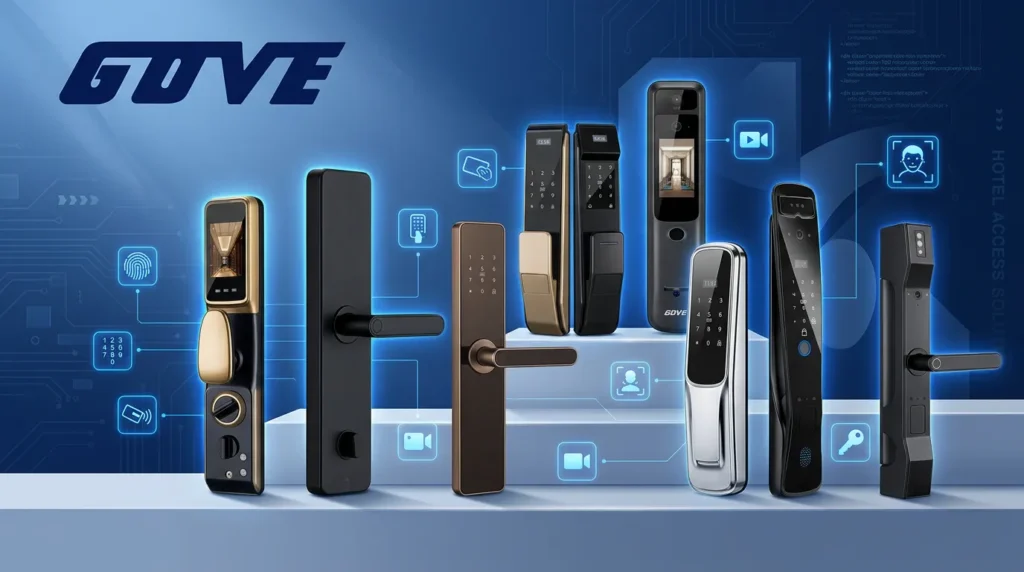
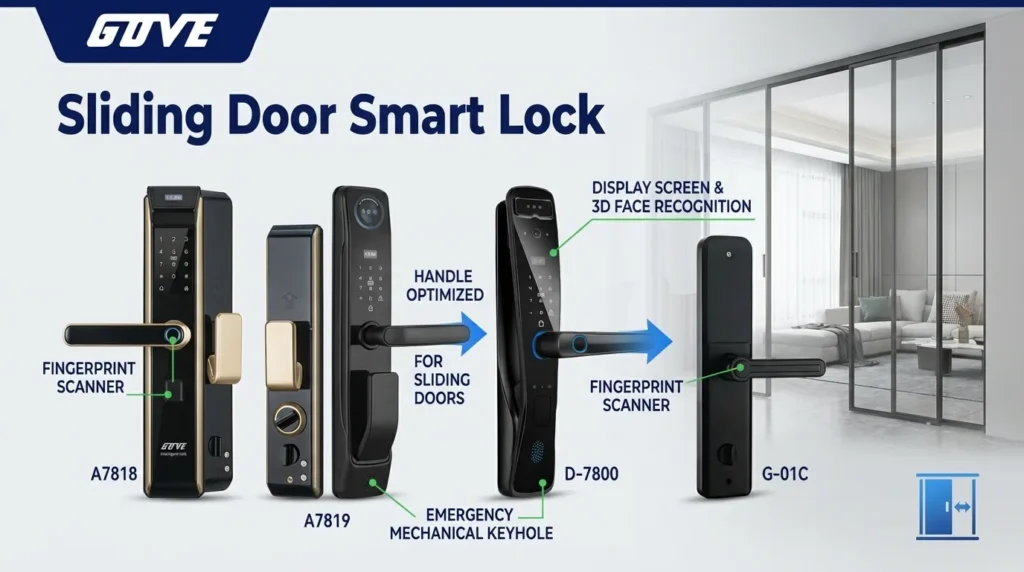
The primary reason to disable smart lock features is to eliminate security vulnerabilities. If your phone stays unlocked in a \”trusted place\” or your front door unlocks automatically simply because your phone is in your pocket, someone else could easily gain unauthorized access. Even when using robust hardware like our Gove A7818 smart door lock, there are situations where you want absolute manual control. Learning how to disable smart lock ensures that nobody can bypass your primary security measures just by standing near you.
Troubleshooting Device Connection Issues
Sometimes, wireless technology glitches out. If your devices aren\’t syncing or your smart home isn\’t responding, disabling the feature is often the fastest fix.
- Reset Connections: Knowing how to turn off Google smart lock clears out stalled Bluetooth or Wi-Fi handshakes that cause lag.
- Stop Battery Drain: Devices constantly scanning for trusted signals drain batteries quickly.
- Clear Software Bugs: Figuring out how do I turn smart lock off and on again forces the system to reset its background processes.
Temporary vs. Permanent Deactivation
You don\’t always need to ditch the feature forever. If you are asking how do you turn off smart lock, you should first decide what level of security you need right now.
- Temporary Deactivation: Ideal for travel, staying in shared spaces, or when you leave your device unattended at work. You simply pause the auto-unlock features for a short period.
- Permanent Deactivation: Best if you decide manual entry is simply safer. If you are researching how to turn Google smart lock off completely, you will wipe all trusted devices, places, and voice matches for maximum daily security.
How Do I Turn Off Smart Lock on Android?
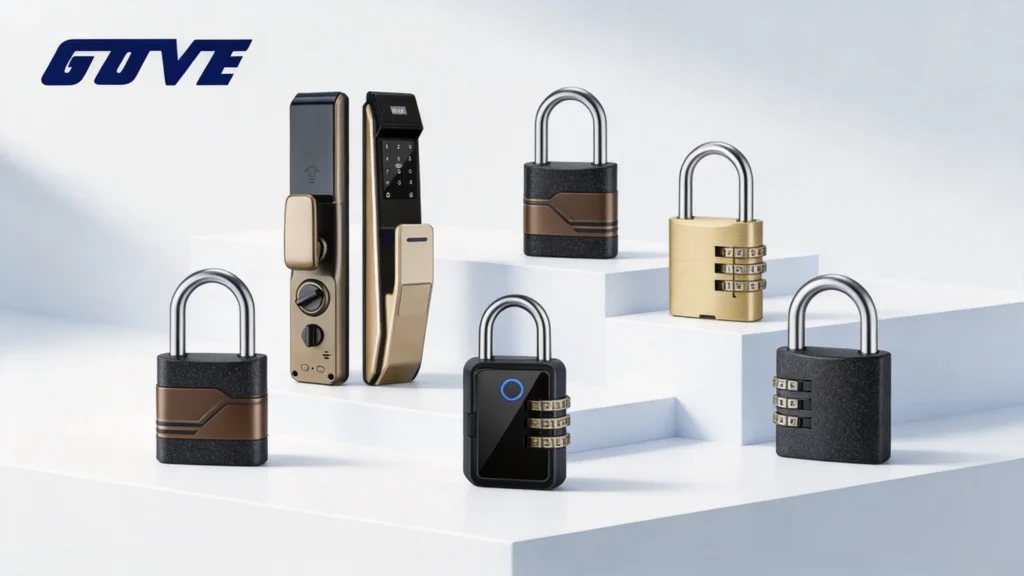
If you are asking yourself, \”how do i turn off smart lock,\” the process is straightforward. While convenience is great, I always prioritize absolute security. Disabling this feature ensures your phone stays locked the moment it leaves your hands, giving you peace of mind similar to installing a heavy-duty 7-in-1 smart door lock on your front door. Here is exactly how to lock down your Android device.
Disabling Extend Unlock Features
On newer Android updates, Google renamed this feature to \”Extend Unlock.\” If you want to know how to turn off google smart lock (or Extend Unlock), you just need to access your main security settings.
- Open Settings: Scroll down and tap on Security & Privacy.
- Find the Feature: Go to More security settings and tap on Extend Unlock (or Smart Lock if you are on an older Android version).
- Enter PIN: Verify your identity to access the menu.
- Turn Off On-Body Detection: Tap on On-body detection and toggle the switch to the off position.
Removing Trusted Places and Devices
To completely understand how to disable smart lock, you also need to wipe out any saved locations or connected Bluetooth gear that keep your phone unlocked automatically.
| Setting | Action Required to Disable |
|---|---|
| Trusted Places | Select any listed home or work locations and tap Delete or Turn off. |
| Trusted Devices | Tap on connected Bluetooth items (like smartwatches or car stereos) and select Remove. |
Once you clear these parameters, your phone will require your fingerprint, face, or PIN every single time you wake the screen.
Turning Off Smart Lock for Passwords
Often, when users ask \”how do you turn off smart lock,\” they are actually looking to disable the automatic password manager. If you want to stop Google from saving and auto-filling your private login credentials, follow these quick steps:
- Go to your device Settings.
- Scroll down and tap on Google.
- Select Autofill and then tap Autofill with Google.
- Toggle the main switch at the top to the Off position.
By taking these steps, you have successfully learned how do i turn smart lock off across your Android ecosystem. Your data, locations, and passwords are now firmly secured behind your manual lock screen.
How to Turn Off Smart Lock on Chromebook
If you use a Chromebook, your device might be set to automatically unlock when your Android phone is nearby. When I need to lock down my digital workspace, figuring out how to turn off Google Smart Lock is my first priority. Here is exactly how I manage these settings on Chrome OS to keep my data secure.
Disabling Connected Android Devices
The easiest way to stop a Chromebook from bypassing the login screen is to disable the phone connection. If you are wondering how do you turn off smart lock completely, I recommend following these direct steps:
- Click the clock in the bottom right corner of your Chromebook screen.
- Click the gear icon to open Settings.
- Scroll down to the Connected devices section.
- Click on your listed Android phone.
- Toggle the switch next to Smart Lock to the off position.
- Alternatively, click Forget this device to remove the phone integration entirely.
This is the fastest method for how to disable smart lock. Once disabled, your Chromebook will demand a password or PIN every time you open the lid.
Removing the Screen Lock Bypass
Sometimes I want to keep my phone connected to sync messages but need to stop the auto-unlock feature. If you want to know how to turn Google Smart Lock off just for the login screen, you can easily tweak the bypass settings.
- Navigate back to Settings > Connected devices and select your phone.
- Locate the Smart Lock menu.
- Switch the active setting from Unlock device and sign in to your Google Account to Sign in only.
Adjusting this specific toggle is exactly how do I turn smart lock off for local screen security without breaking the rest of my Android ecosystem. Your device stays connected, but your login screen remains firmly locked.
How to Turn Off a Physical Smart Door Lock
If you are asking, \”how do i turn off smart lock features on my front door?\” the process is straightforward. Whether you need a temporary pause or a complete system wipe, I will show you exactly how to disable smart lock functions on your physical hardware.
Disabling Features via the Mobile App
The easiest way to manage your device is right from your phone. Open your lock\’s companion app and navigate to the settings menu. Look for toggles labeled Auto-Lock, Remote Access, or Smart Integration and switch them off. This method keeps your basic keypad access intact while stopping automated actions.
Turning Off Wi-Fi and Bluetooth Connectivity
To stop all remote communication, you must disconnect the lock from your network. You can do this by unplugging your Wi-Fi bridge, unpairing the Bluetooth connection in your smartphone settings, or disabling the internal Wi-Fi module. For example, modern units like the Gove S22-18 Door Lock allow you to quickly disable wireless broadcasting directly from the admin panel to ensure strict offline security.
Switching to Manual Lock Mode
If you want to know how do i turn smart lock off completely for everyday use, switch it to manual mode. Many smart locks feature an internal privacy switch or a specific app setting that disables the exterior electronic keypad and motor. Once activated, you will rely entirely on your physical key and the interior thumbturn, effectively converting your hardware back into a traditional deadbolt.
Removing Power or Factory Resetting
If you are moving, selling the hardware, or dealing with a severe glitch, a hard reset is necessary. Here is a quick breakdown of your final options:
| Action | How to Do It | Result |
|---|---|---|
| Remove Power | Pull out the battery pack from the interior assembly. | Instantly disables all electronic functions. A physical key is now required for entry. |
| Factory Reset | Press and hold the physical reset button (usually near the batteries) for 10 seconds. | Wipes all user codes, Wi-Fi networks, and Bluetooth pairings. |
Performing a factory wipe is the most definitive answer to how to disable smart lock systems permanently. Keep in mind that highly secure models, such as the Gove S22-19 Door Lock, feature recessed reset buttons to prevent accidental wipes while maintaining physical integrity.