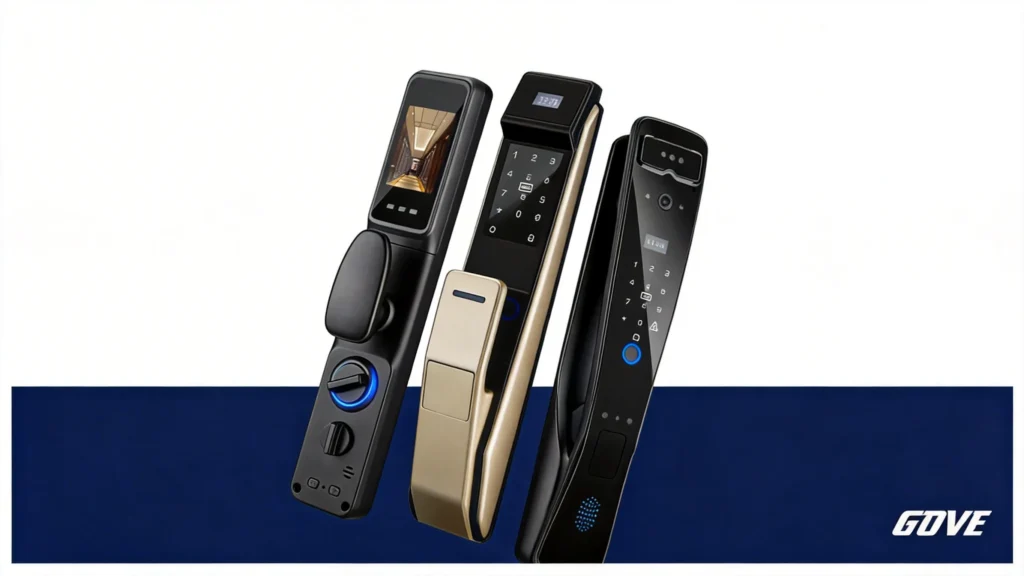
What is a Smart Deadbolt Door Lock?
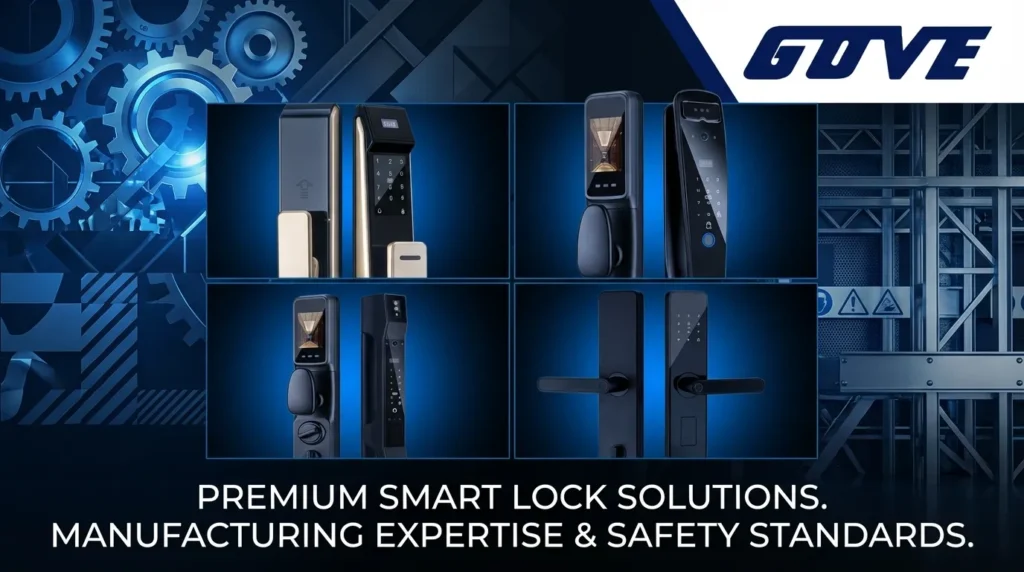
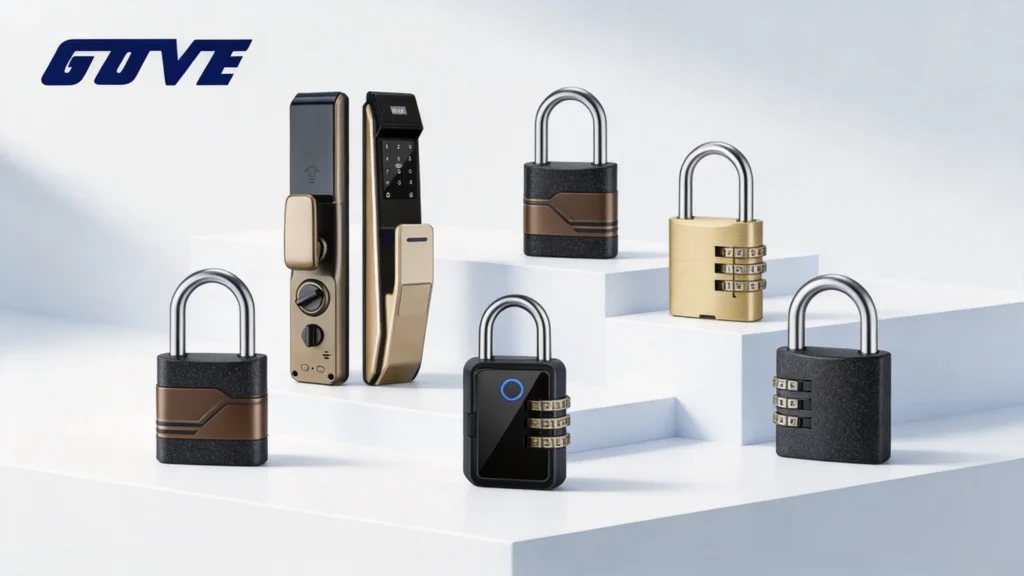
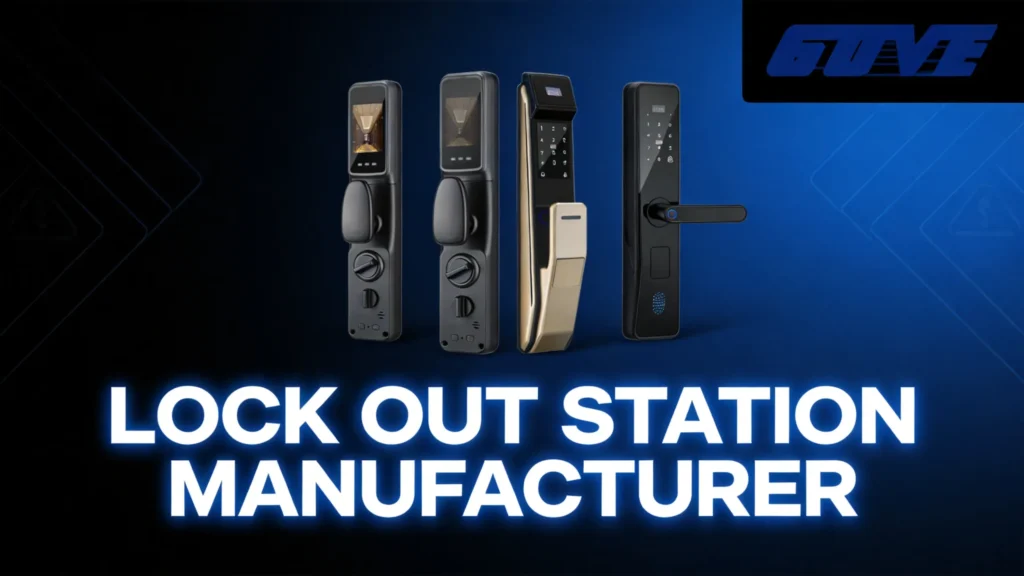
A deadbolt smart door lock is an advanced home security device designed to replace or enhance traditional locking mechanisms. Unlike standard locks that rely solely on physical keys, a smart door lock deadbolt integrates digital technology to provide keyless entry, remote access, and real-time security monitoring. As a leading Home Smart Lock Manufacturer and Supplier, we engineer these locks to deliver a seamless blend of robust physical security and modern convenience for the global market.
How Smart Deadbolts Work
Smart deadbolts operate by replacing the manual turning of a key with an internal motorized mechanism. This motor is triggered by secure digital signals.
Here is how the core technology functions:
- Motorized Actuation: An internal motor automatically extends or retracts the heavy-duty deadbolt when an authorized signal is received.
- Wireless Connectivity: Built-in Wi-Fi or Bluetooth modules allow the lock to communicate directly with your smartphone or smart home hub.
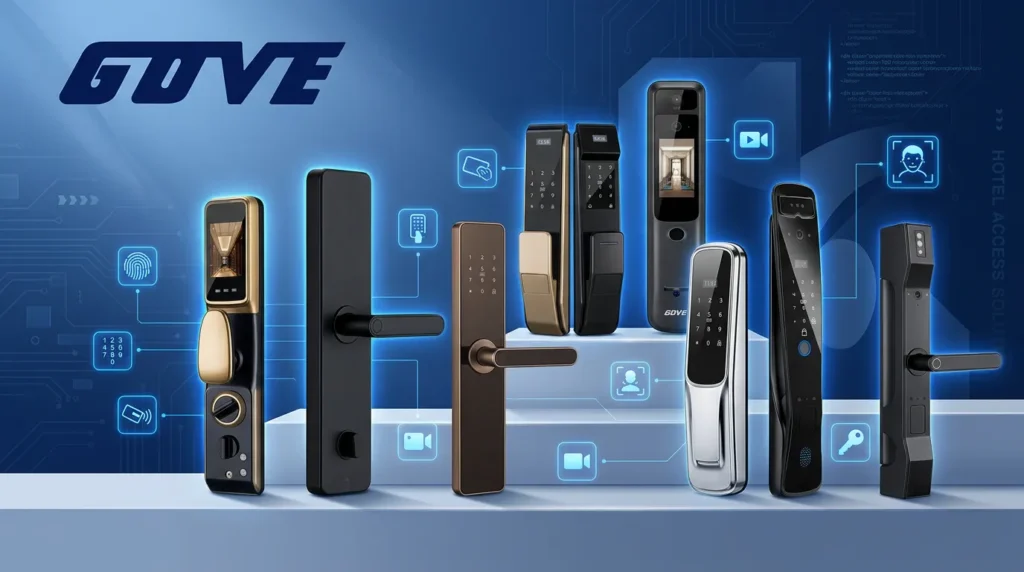
- Digital Authentication: Access is granted through encrypted digital methods, including biometric fingerprint scanners, touchscreen keypads, or mobile applications.
Upgrading vs. Retrofitting Your Current Lock
When transitioning to a smart security system, you have two primary installation paths. Choosing the right method depends on your door setup and ownership status.
- Full Upgrade (Complete Replacement): This involves removing your entire existing lock—both the interior and exterior hardware—and installing a brand-new smart deadbolt. This option offers the most advanced features, a modern aesthetic, and maximum security enhancements.
- Retrofitting (Partial Replacement): A retrofit lock only replaces the interior thumb-turn mechanism of your door. The exterior hardware and your original physical keys remain completely unchanged. This is the ideal solution for renters or property owners who want smart features without altering the exterior appearance of the door.
Key Features and Advantages of a Deadbolt Smart Door Lock
As a Home Smart Lock Manufacturer and Supplier, we know that upgrading to a smart door lock deadbolt is about combining effortless convenience with top-tier security. These devices are built to fit the fast-paced lifestyle of modern homeowners globally. Here is a breakdown of the core features that make them essential.
Multiple Ways to Unlock: App, Keypad, and Biometric
Gone are the days of fumbling for metal keys in the dark. A modern deadbolt smart door lock offers versatile, keyless entry options tailored to your habits. You can unlock your door using a dedicated smartphone app, punch in a custom PIN on a responsive keypad, or simply use your fingerprint. If you want maximum speed and security, integrating a smart fingerprint lock ensures you can open your door in under a second using unique biometric data.
Auto-Lock and Auto-Unlock Capabilities
Never second-guess whether you secured the house before leaving.
- Auto-Lock: Automatically engages the deadbolt after a customized timeframe (e.g., 30 seconds or 3 minutes) once the door closes.
- Auto-Unlock: Uses geofencing and Bluetooth to detect your smartphone approaching, unlocking the door right as you walk up with groceries in hand.
Remote Access and Guest Profile Management
Manage your front door from anywhere in the world. Through the mobile app, you can generate temporary, recurring, or one-time passcodes for family members, dog walkers, or short-term rental guests. You maintain complete control over who enters your property, and you can revoke access privileges instantly with a single tap.
Advanced Security and Activity Alerts
Stay completely informed about your home\’s security status 24/7. These locks provide comprehensive activity logs and real-time push notifications directly to your phone.
Core Security Benefits:
- Instant Alerts: Get notified the exact moment your door is locked or unlocked.
- Tamper Alarms: Built-in sirens trigger if someone tries to force the lock.
- Failed Attempt Lockout: The system temporarily disables the keypad after multiple incorrect code entries.
Feature Table
| Smart Feature | Primary Benefit |
|---|---|
| Biometric Entry | Fast, secure access using just your fingerprint. |
| Auto-Locking | Guaranteed peace of mind; the door secures itself. |
| Guest Profiles | Trackable, customizable access for visitors and services. |
| Activity Logs | Real-time smartphone alerts on who enters and exits. |
Smart Home Integration
Connecting to Wi-Fi vs. Bluetooth
Choosing the right connection method for your **deadbolt smart door lock** depends on your specific needs for range and battery efficiency.
* **Bluetooth Connectivity:** This is the most energy-efficient option. It allows for secure, localized control when you are near the door. Many users prefer a bluetooth smart lock for its reliability and long battery life.
* **Wi-Fi Connectivity:** This allows for real-time remote access from anywhere. You can check your lock status or let guests in while you are at work, though it typically requires more frequent battery changes or a dedicated plug-in bridge.
Voice Control Compatibility
We ensure our locks integrate seamlessly with the most popular virtual assistants, making hands-free entry a reality.
* **Amazon Alexa & Google Assistant:** Use simple voice commands to lock up at night or check if the kids shut the door.
* **Apple HomeKit:** For users deep in the Apple ecosystem, a homekit smart lock provides native integration with Siri and the Home app across all your devices.
Syncing with Smart Home Security Systems
A **smart door lock deadbolt** works best when it communicates with the rest of your home. By syncing your lock with a broader security ecosystem, you create a unified defense strategy.
* **Triggered Scenes:** Program your smart lights to turn on automatically the moment the deadbolt is unlocked.
* **Alarm Integration:** Link the lock to your home security system so that arming your sensors also triggers the deadbolt to engage.
* **Video Doorbell Pairing:** View your live camera feed and unlock the door for a delivery driver from a single mobile interface.
Factors to Consider When Choosing a Smart Deadbolt
Picking the right deadbolt smart door lock requires looking beyond the sleek finish. You need a device that balances high-end security with daily convenience. As a leading Home Smart Lock Manufacturer and Supplier, we focus on ensuring our hardware fits your lifestyle as much as it fits your door.
Assessing Door Compatibility and Design
Before purchasing, you must verify your door’s dimensions. Most of our advanced models, such as the Gove A7818 smart door lock, are engineered to fit standard door preparations, but checking these three specs is vital:
- Bore Hole Diameter: Standard is 2-1/8 inches.
- Backset: Distance from the door edge to the center of the hole (usually 2-3/8\” or 2-3/4\”).
- Door Thickness: Most smart deadbolts accommodate 1-3/8\” to 2\” thickness.
Keyed vs. Key-Free Options
Choosing between a traditional key backup and a completely keyless interface depends on your comfort level with technology.
| Feature | Keyed Smart Deadbolt | Key-Free Smart Deadbolt |
|---|---|---|
| Emergency Access | Physical metal key | External power jump (USB/9V) |
| Security Risk | Possible lock picking/bumping | Immune to physical picking |
| Visual Appeal | Traditional/Hybrid look | Modern, minimalist aesthetic |
| Maintenance | Occasional cylinder lubrication | Zero cylinder maintenance |
Battery Life and Backup Power
A smart door lock deadbolt is only as good as its power source. Most of our units run on 4 AA alkaline batteries, providing roughly 10 to 12 months of operation. To ensure you are never locked out, we prioritize three specific power features:
- Low Battery Warnings: Visual and audio alerts on the lock, plus push notifications to your smartphone.
- Emergency Power Port: An external Micro-USB or USB-C port that allows you to \”jumpstart\” the lock with a power bank if the batteries die.
- Mechanical Override: For keyed models, the physical key remains the ultimate fail-safe.
For those managing high-traffic entries, the Gove A7820 smart door lock offers optimized power consumption to extend battery life even with frequent daily use.
Top Smart Deadbolt Door Locks to Consider
When upgrading your home security, choosing the right deadbolt smart door lock makes all the difference. Because we are Home Smart Lock Manufacturer and Supplier experts, we understand exactly what features deliver the best value, security, and convenience for everyday use. Whether you need an all-in-one powerhouse, a cost-effective upgrade, or a reliable system for managing guests, there is a smart door lock deadbolt built for the job.
Best Overall Smart Deadbolt
For top-tier security and ultimate convenience, a multi-functional lock is the best choice. The ideal overall smart deadbolt combines multiple access methods, durable hardware, and seamless smart home integration. For instance, the Gove A8010 7-in-1 smart door lock stands out by offering everything from lightning-fast biometric fingerprint scanning to secure app control.
Key features of a top-tier overall lock:
- Multiple entry modes: Fingerprint, passcode, app, and physical backup keys.
- Heavy-duty build: Weather-resistant materials designed to withstand tampering.
- Real-time alerts: Instant notifications sent directly to your smartphone.
Best Budget-Friendly Option
You do not have to overspend to get solid, reliable smart security. The best budget-friendly deadbolt smart door locks focus on doing the essentials perfectly. Instead of packing in high-end extras like built-in cameras, these models prioritize dependable keypad entry, auto-lock functionality, and long battery life. They provide robust deadbolt protection and keyless convenience while keeping costs highly manageable for the average homeowner.
Best for Rental Properties and Airbnbs
Managing a rental property requires maximum flexibility and minimal physical key handoffs. The ideal smart door lock deadbolt for Airbnbs and short-term rentals is built around remote access and user management.
Essential features for rental properties:
- Temporary passcodes: Generate time-sensitive PINs for guests that expire automatically after their stay.
- Remote management: Lock or unlock the door from anywhere via Wi-Fi.
- Detailed access logs: Track exactly when cleaners, maintenance staff, or guests enter the property.
- Key-free design: Eliminate the risk of lost or copied physical keys entirely.
Installation and Setup Guide
Upgrading to a deadbolt smart door lock is a straightforward process that usually takes less than an hour. As a dedicated Home Smart Lock Manufacturer and Supplier, we ensure that our smart door lock deadbolt models are designed for hassle-free installation, allowing you to secure your home without needing to hire a professional locksmith.
DIY Installation Steps for Replacements
Replacing your existing lock with a smart deadbolt requires just a standard Phillips screwdriver. Follow these basic steps:
- Remove the old lock: Unscrew the interior thumb turn and remove the exterior cylinder, then take out the old latch.
- Install the new latch: Slide the new smart lock latch into the door edge and secure it with screws. Ensure the bolt extends smoothly.
- Attach the exterior keypad: Feed the connection cable under the latch and press the keypad flush against the outside of the door.
- Mount the interior assembly: Connect the cable to the interior panel, secure the mounting plate, and attach the main interior unit.
- Insert batteries: Place the batteries into the compartment to power up the device. If you prefer to use your existing physical keys alongside the smart features, you can easily rekey a smart lock to match your current house key setup.
Setting Up App Access and Passcodes
Once the hardware is installed, the digital setup brings your lock to life.
- Download the app: Install the manufacturer\’s companion app on your smartphone and create an account.
- Pair the device: Follow the in-app prompts to connect your phone to the lock via Bluetooth or your home Wi-Fi network.
- Create passcodes: Set up a master admin code first. Then, generate unique, custom passcodes for family members, dog walkers, or short-term rental guests. You can set these codes to expire automatically after a specific timeframe.
Troubleshooting Common Connection Issues
Even the best smart locks can occasionally experience connectivity hiccups. Here is how to resolve the most common issues quickly:
- Lock goes offline: Check your Wi-Fi router. If the router is too far from the door, installing a Wi-Fi extender or a dedicated smart lock bridge will stabilize the connection.
- App cannot find the lock: Ensure your smartphone\’s Bluetooth is turned on and that you are standing within 10 feet of the door during the initial pairing process.
- Keypad unresponsive: This is almost always a power issue. Swap out the old batteries for a fresh set of high-quality alkaline batteries to restore full functionality.