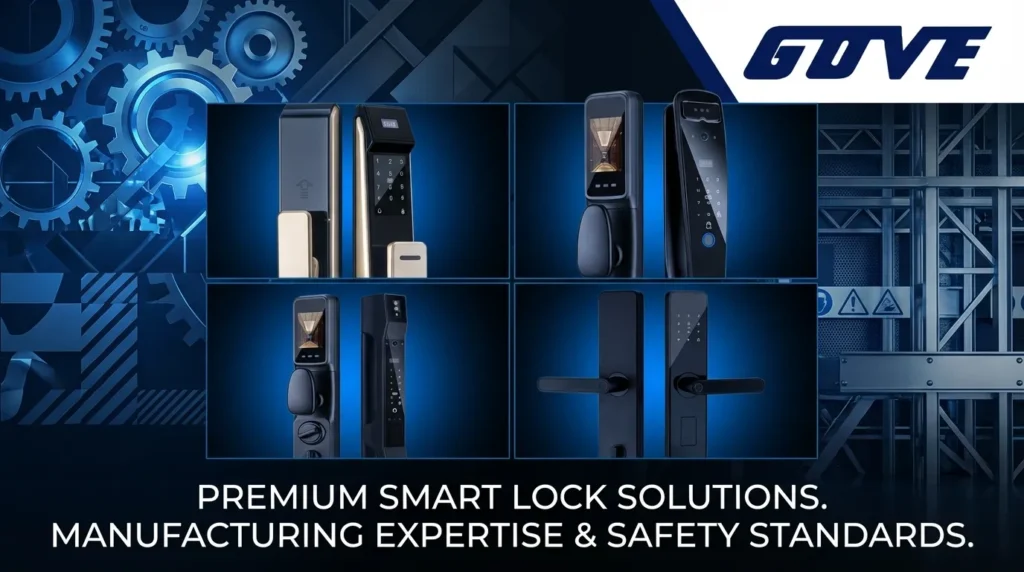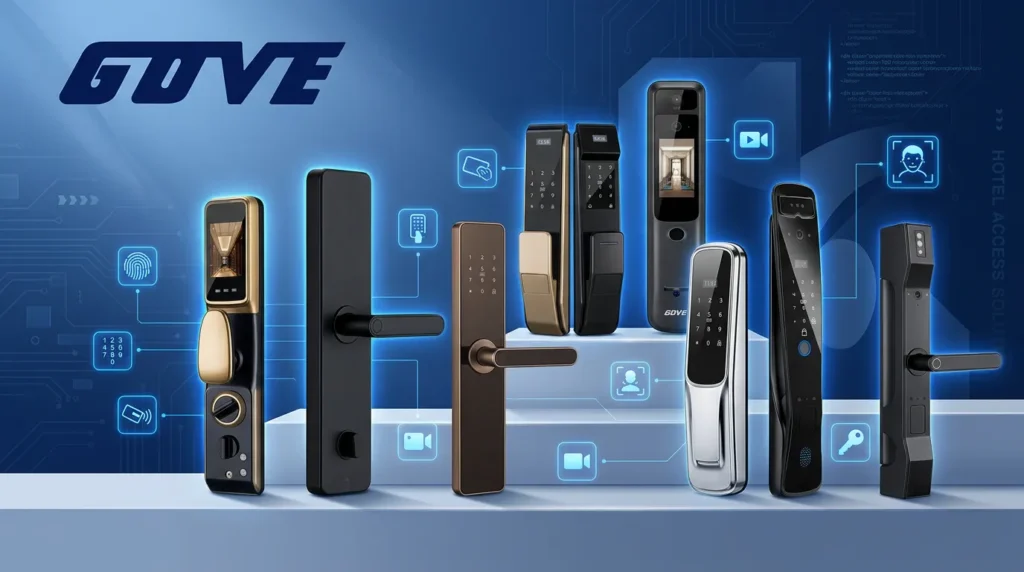
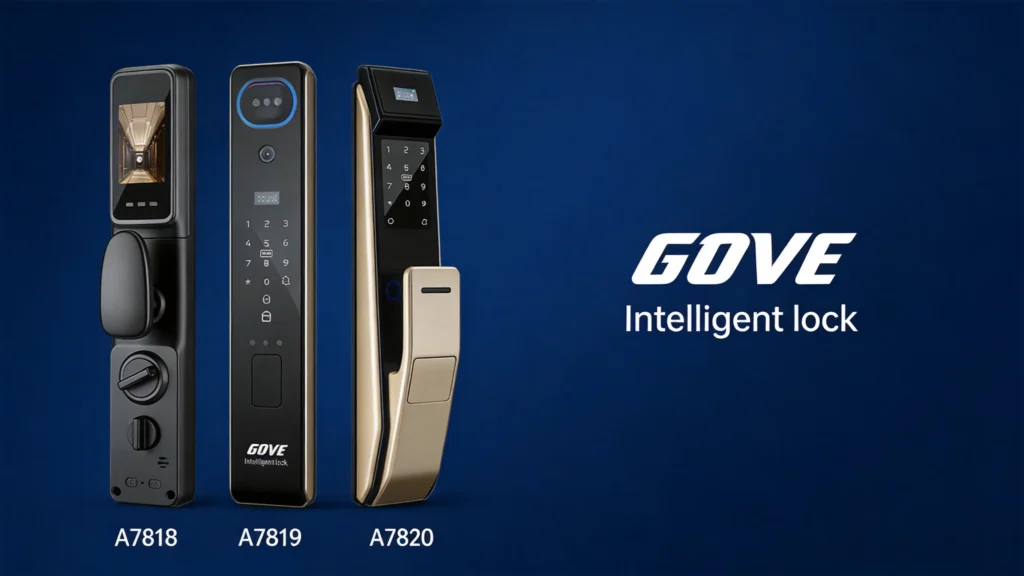
What is a Smart Lock?
A smart lock is an advanced electromechanical locking mechanism that provides keyless entry to your home or business. Unlike traditional deadbolts that rely solely on physical keys, a smart lock allows you to secure and monitor your property using digital credentials. As a leading Home Smart Lock Manufacturer and Supplier, we design these devices to integrate seamlessly into modern security ecosystems, offering a blend of convenience, robust encryption, and remote accessibility.
Understanding How Smart Locks Work
Smart locks replace or augment standard hardware by utilizing a motorized actuator to move the bolt. They communicate with your smartphone or home automation hub through various wireless protocols.
- Connectivity Protocols: Most devices use Bluetooth for local proximity sensing, Wi-Fi for remote access from anywhere, or Z-Wave/Zigbee for integration with smart home hubs.
- Authentication Methods: Users can unlock doors via biometric fingerprints, unique PIN codes, mobile apps, or even voice commands.
- Power Source: These units are typically battery-powered, ensuring the lock remains functional even during a power outage.
DIY vs. Professional Installation
When learning how to install smart lock hardware, you must decide between a self-install or hiring a technician.
| Feature | DIY Installation | Professional Installation |
|---|---|---|
| Complexity | Low to Moderate | High / Custom |
| Time | 15–30 Minutes | Varies by door type |
| Tools Needed | Standard Screwdriver | Specialized power tools |
| Best For | Standard residential doors | Non-standard or commercial doors |
Most modern smart locks are designed for the DIY enthusiast. If your door has a standard borehole and a traditional deadbolt, you can likely complete the upgrade yourself with minimal effort. However, if your door requires structural modifications or involves complex multi-point locking systems, seeking professional assistance ensures the integrity of your home security.
Choosing the Right Smart Lock
Before you master how to install smart lock hardware, you must select the right device for your home or business. As a trusted Home Smart Lock Manufacturer and Supplier, we know that a successful setup always starts with matching the right hardware to your specific entryway.
Common Types of Smart Locks
Smart locks come in several distinct styles to fit different security needs and door types:
- Full Deadbolt Replacements: These replace your entire existing deadbolt mechanism, offering a clean look and maximum functionality.
- Retrofit Smart Locks: These attach to the interior thumb turn of your existing deadbolt, allowing you to keep your current exterior keys.
- Specialty Locks: These are built for non-standard doors. For instance, securing a patio or balcony requires a dedicated sliding door smart lock designed specifically for that track mechanism.
Important Features and Capabilities
Modern smart locks offer a variety of features to streamline your daily routine. Look for these core capabilities:
- Biometric Access: Fingerprint recognition for instant, keyless entry.
- Remote Connectivity: Built-in Wi-Fi allows you to lock or unlock the door from anywhere using your smartphone.
- Auto-Locking: Automatically secures the door after a set period, ensuring your home is never left vulnerable.
- Temporary Access Codes: Generate unique PINs for guests, dog walkers, or contractors.
Required Specifications for Your Door
Not every lock fits every door. You must measure your door\’s existing cutouts before making a purchase.
| Measurement Type | Standard Requirement | Description |
|---|---|---|
| Door Thickness | 1 3/8\” to 2\” | The total width of the door edge. |
| Backset | 2 3/8\” or 2 3/4\” | Distance from the door edge to the center of the lock hole. |
| Face Bore Hole | 2 1/8\” diameter | The large hole drilled through the face of the door. |
| Edge Bore Hole | 1\” diameter | The smaller hole drilled into the edge of the door for the latch. |
Taking accurate measurements ensures your new hardware will slide right into place without the need for additional drilling or modifications.
Preparing Your Door for Installation
Before learning how to install smart lock hardware, I make sure the workspace is clear and the door is properly prepped. A clean start ensures the sensors and mechanical parts align perfectly, preventing jams or motor strain later on.
Gathering the Necessary Tools
Most modern setups are designed for a straightforward DIY experience. As a Home Smart Lock Manufacturer and Supplier, I’ve seen that having the right tools on hand prevents mid-installation frustration. You generally only need:
- Phillips Head Screwdriver: A manual one is best to avoid over-tightening.
- Tape Measure: Essential for checking the backset (usually 2-3/8\” or 2-3/4\”).
- Level: To ensure the exterior housing sits perfectly straight.
- Painter’s Tape: Useful for holding the exterior piece in place while you screw in the interior plate.
Removing Your Existing Lock
To clear the way for a high-performance Gove S22-69 door lock, start by removing the screws from the interior side of your current deadbolt. Once the mounting bolts are out, pull the interior thumbturn and the exterior cylinder away from the door.
Next, unscrew the two screws on the door\’s edge that hold the latch or bolt in place. Slide the old bolt out of the borehole. I always take a moment to wipe down the door surface and check that the hole is clear of wood splinters or debris. This ensures your new smart lock for sliding glass door or standard entry door fits snugly against the frame without any gaps.
Step-by-Step Smart Lock Installation Process
Learning how to install smart lock hardware is a straightforward project that usually takes less than 30 minutes. Once the door is prepped, the physical setup involves three main components: the latch, the exterior keypad, and the interior control unit. Following a systematic approach ensures the hardware aligns perfectly for smooth operation.
Installing the New Deadbolt
The deadbolt is the core of your door\’s security. Start by sliding the new deadbolt into the hole on the edge of the door.
- Check the Orientation: Look for the \”UP\” icon on the bolt and ensure it is facing the top of the door.
- Adjust the Backset: Most modern latches are adjustable. Ensure the bolt length matches your door’s backset (typically 2-3/8\” or 2-3/4\”).
- Secure the Latch: Use the provided screws to fasten the bolt to the door. Test the movement with a screwdriver to ensure the bolt extends and retracts without friction.
Attaching the Exterior Hardware
The exterior piece contains the keypad, or in many modern versions, the biometric sensor.
- Route the Cable: Carefully feed the data cable underneath the deadbolt latch through to the interior side of the door.
- Align the Tailpiece: Insert the spindle or tailpiece through the center hole of the deadbolt. It must be in the correct orientation (usually horizontal or vertical) as specified in the manual.
- Flush Fit: Hold the exterior unit firmly against the door. If you are installing a bluetooth smart lock, the integrity of this connection is vital for the app to communicate with the hardware later.
Securing the Interior Assembly and Batteries
The interior assembly houses the motor and the logic board. This is the final physical step of the installation.
- Install the Mounting Plate: Secure the interior mounting plate to the exterior hardware using the long mounting bolts. Tighten them enough to prevent the lock from shifting, but avoid over-tightening which can warp the plate.
- Connect the Data Cable: Plug the cable from the exterior unit into the interior assembly. Ensure the connector clicks into place and tuck any excess wire into the door cavity to avoid pinching.
- Mount the Unit: Screw the interior body onto the mounting plate.
- Power Up: Insert the required batteries (usually 4 AA alkaline batteries). Most locks will emit a beep or light up to signal they are receiving power.
- Manual Test: Turn the thumbturn manually to ensure the deadbolt moves freely into the strike plate without hitting the door frame.
Setting Up Your Smart Lock App
Once the physical hardware is securely on the door, the final phase of learning how to install smart lock systems is the digital configuration. This step bridges the gap between a standard piece of hardware and a fully functional security device.
Connecting to Wi-Fi and Bluetooth
Start by downloading our official management app on your smartphone. Most modern locks use Bluetooth for the initial setup and Wi-Fi for remote management.
- Pairing: Keep your phone within a few feet of the lock and follow the in-app prompts to pair the device via Bluetooth.
- Network Setup: Connect the lock to your home’s 2.4GHz Wi-Fi network. This allows you to receive real-time alerts and lock the door from anywhere in the world.
- Smart Home Integration: If you are setting up a HomeKit smart lock, you can scan the setup code directly into the Apple Home app to sync it with your existing smart home ecosystem.
Testing and Calibrating the Lock
Calibration is a vital step that teaches the motor exactly how far to extend and retract the deadbolt. Without proper calibration, the lock may report a \”jammed\” status or fail to secure the door completely.
- Initial Test: Run the calibration sequence with the door open first. This prevents you from getting locked out if the bolt doesn\’t align perfectly with the strike plate.
- Check for Resistance: Ensure the bolt moves smoothly into the door frame. If you hear the motor straining, you may need to adjust the strike plate slightly.
- Verification: Once the app confirms a successful calibration, test the lock three times with the door closed to ensure the \”Locked\” and \”Unlocked\” statuses update correctly on your phone screen.
Tips for Using Your New Smart Lock
Now that you know exactly how to install smart lock hardware, it is time to get the most out of your upgrade. As a dedicated Home Smart Lock Manufacturer and Supplier, we want to ensure your daily experience is seamless, convenient, and highly secure.
Managing User Access and Codes
Ditching physical keys is the biggest advantage of your new system. Proper access management keeps your property safe while offering unmatched flexibility.
- Create Unique PINs: Assign individual codes for family members, dog walkers, or housekeepers. This allows you to track exactly who enters your home and when.
- Set Temporary Access: Use your mobile app to create time-sensitive codes that automatically expire after a few hours or days, perfect for short-term guests.
- Revoke Access Instantly: If a code is compromised or no longer needed, simply delete it with a single tap in the app.
If you ever need to transition between traditional and digital access, utilizing a reliable smart key lock system ensures you always have a secure, physical backup plan without sacrificing modern convenience.
Integrating with Other Smart Home Security Devices
Your smart lock works best when connected to your broader home ecosystem. Connecting your lock to other devices creates a comprehensive security net around your property.
- Voice Assistants: Link your lock to Amazon Alexa, Google Assistant, or Apple HomeKit. This allows you to lock your door at night using simple voice commands.
- Video Doorbells: Sync your lock with your smart doorbell camera. When a guest or delivery driver arrives, you can verify their identity on camera and unlock the door directly from the same interface.
- Automated Routines: Set up smart triggers so that your door automatically locks the moment your smart alarm system is armed, or when your smartphone leaves the designated home radius.